1
Material comes in
Documents, email, Slack, CRM records, calls and photos, sent by you or your agents.
#deal-acme · inbox · Drive · CRM
Evidence for company decisions
Turn company documents, conversations and connected sources into a record you can question from your AI assistant. Bring the work you already have. Set up your agents to keep new material coming.
Getting started
Bring your existing work into The Record. Then configure your agents to keep it current from the sources you choose.
Day 1 · One prompt
Already working on this with your assistant? One prompt brings that context and its files into The Record, with sources and dates. No blank page.
Bring my projectEvery day after · Automated
Point them at the folders, inboxes and channels that matter, on a schedule or trigger they support. You stop uploading by hand.
Set up ongoing updatesAutomatic updates depend on your assistant's connections and automation. You can always add material yourself.
Prompt library
Ready-to-use prompts for your AI assistant, connected to Peripheral. Check a number, prepare a decision, capture useful context or keep your work current.
Available actions depend on your assistant’s connections, permissions and automation capabilities.
See what materially changed since your last review, and why it matters.
Use this promptFind the latest supported figure and explain conflicting versions.
Use this promptThe five decisions or questions that matter most, with evidence.
Use this promptSave what you confirmed, decided and left open, with attribution.
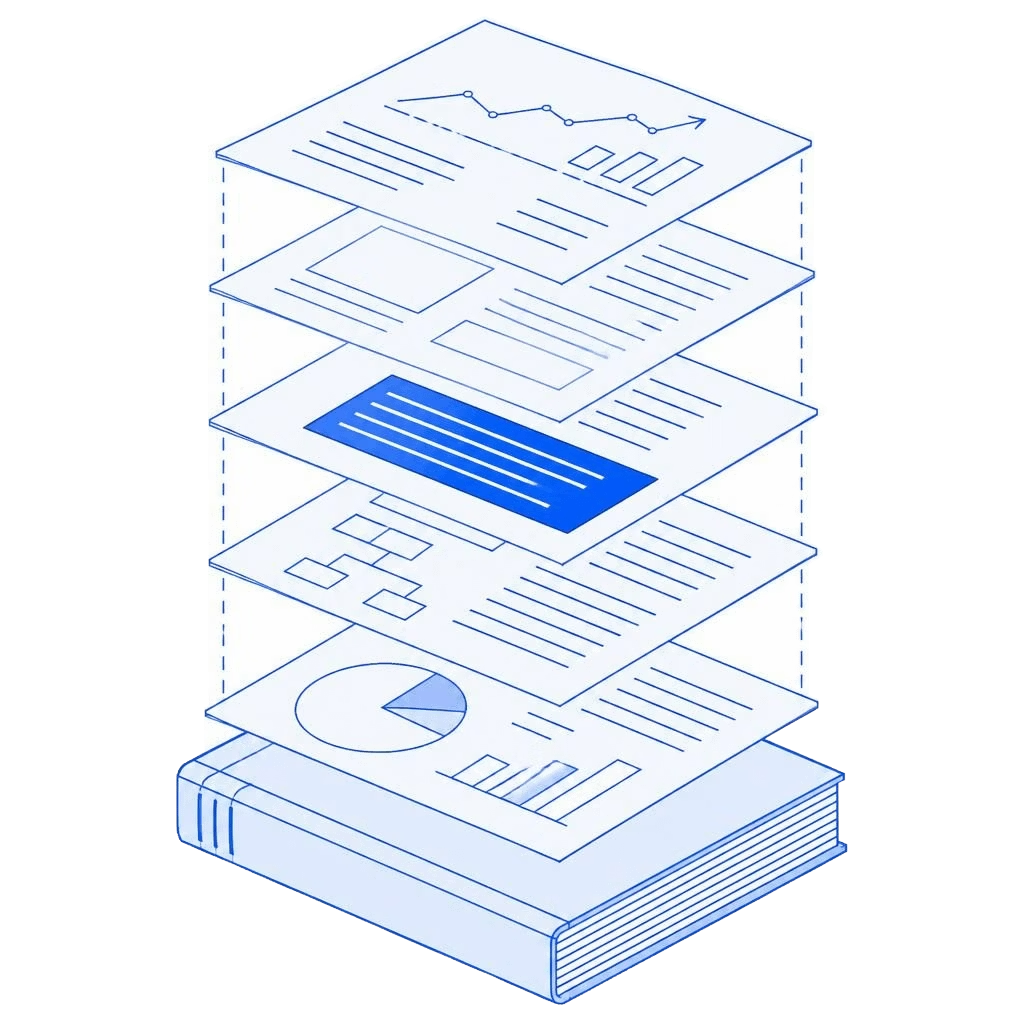
Use this promptTypical AI assistants read a handful of files at a time. Peripheral reads everything the company has (years of board packs, decks, models, emails and CRM records) and turns it into The Record: claims that are extracted, linked, dated and cited.
The Record is a ledger for claims.
Every statement in your company's documents, with a receipt: where it was said, when, and what backs it up.
Extracted. Linked across files. Dated. Cited to the page.
YOU · Did we hit the $8M target?
I can only see the two files you shared. They mention a target of $8M, but I can't confirm whether it was reached.
No sources cited
YOU · Did we hit the $8M target?
Not yet. $5.1M is backed by signed contracts. Two enterprise deals ($2.9M) are still unsigned.
Documents, email, Slack, CRM records, calls and photos, sent by you or your agents.
#deal-acme · inbox · Drive · CRM
Claims are extracted, connected across documents and dated. Relevant external developments are linked.
2,418 files · 18,920 claims dated
Ask a question or request a briefing, then open the pages behind the answer.
Answer · 22 citations
Follow the supporting material, the changing story, and the questions that remain. Explore the layers in this illustrative version of The Record.
In practice / The story they told. The evidence behind it.
What the board deck says
“Net revenue retention is above 120%.”
Key metrics. Net revenue retention is above 120%, reflecting strong expansion.
Q2 board deck, p. 3 · management claim
What the record shows
ChangedThe figure only holds once two churned accounts are excluded. Including them, retention falls below 100%.
Illustrative content. This example is not a live record or a verified customer result.
A source quote shows what a document says. Validation and model insights remain interpretations.
Investors and operators today. Any analyst whose work depends on what a company claims.
For example investors, acquirers and diligence teams.
The document says
Customer base is diversified; no customer above 10% of revenue.
The Record says
ContradictedTwo contracts share a parent company. Combined: 23%.
The document says
Product. Launch on track for January.
The Record says
ChangedThe Q2 update said October. The date has moved twice.
For example operators, finance, strategy teams and boards.
The document says
Retention. Churn is under control.
The Record says
Cannot be verifiedThree of the top ten customers have unsigned renewals.
The document says
German expansion is funded.
The Record says
Partly supportedApproved budget covers 60% of the plan's cost.
Illustrative examples.
Peripheral connects to compatible AI assistants through MCP, so the evidence arrives in the conversation where you already prepare decisions.
Sign up with your work email. It's how your assistant knows it's you.
Claude, ChatGPT, Grok or Perplexity. Peripheral works inside the one you already use.
Paste this address into your assistant's connector settings and sign in.
Your assistant builds the initial record with you.
Every answer links to the page and date.
Company statements stay separate from interpretation.
Your assistant sees only what you can see.
Your documents, the record and every answer stay inside your permissions.
Independently certified. Reports are available through the Trust Center.
Trust Center ↗Peripheral does not use your company data to train external models. Your connected AI assistant handles information returned to it under its own data policies.
Every byte of your data is encrypted, both in transit and at rest.
Peripheral builds a lasting record across company documents, dates and external developments. Your assistant can question that record without you rebuilding the context in every conversation, with references you can inspect. Ask once whether a figure is supported and get the answer with the pages that back it, instead of re-uploading files every chat. You can also ask what changed since the last board meeting, or what evidence is still missing.
Yes. Use Peripheral to understand your own company or evaluate another one. Prepare for a board meeting, review a strategy, assess a deal or follow changes over time. Each company has its own space.
The record combines material supplied about the company with relevant external developments. Source statements, Peripheral’s interpretations and requested external checks are distinguished, so you can inspect what supports a conclusion.
Peripheral highlights conflicting figures, changing statements and gaps in the available material. If a check cannot establish something, it remains unverified. Missing evidence does not prove a statement is false, and a missing document may simply not have been added.
Yes. Paste the onboarding prompt into the conversation where you’ve been working. Your assistant gathers the context and original files it can access, with sources and dates, and uploads them. Assistants may not reach every past conversation; it will tell you what it couldn’t access.
No. Keeping the record current is a job for your agents. Set them up once on a schedule or trigger they support. You can still add files by hand anytime.
No. Connecting gives your assistant access to Peripheral’s tools. Your agents gather and send material, and Peripheral processes it, once you’ve chosen the sources and a schedule or trigger.
Your assistant returns a setup receipt: the space, sources, schedule, status, last successful update and any failures. After each run, ask what new material arrived.
Change or pause the automation in the agent or service that runs it, then ask for a fresh receipt to confirm. Disconnecting Peripheral doesn’t delete a schedule set up elsewhere.
A Peripheral account and an assistant that supports custom connectors: Claude, ChatGPT, Grok or Perplexity, depending on your plan. Some workspaces need an admin to allow it. Then one prompt builds your first record; you don’t need a complete archive.
The connection acts as your signed-in Peripheral account. Your assistant can access the company spaces available to that account, within its permissions. It can’t reach company spaces you don’t have access to, and you can disconnect Peripheral from your assistant at any time.
Peripheral encrypts data in transit and at rest and applies access permissions. Peripheral is SOC 2 Type II audited. It does not use your company data to train external models. Information returned to your connected AI assistant is subject to that provider’s data policies.
Have another question? Contact us.